More Features


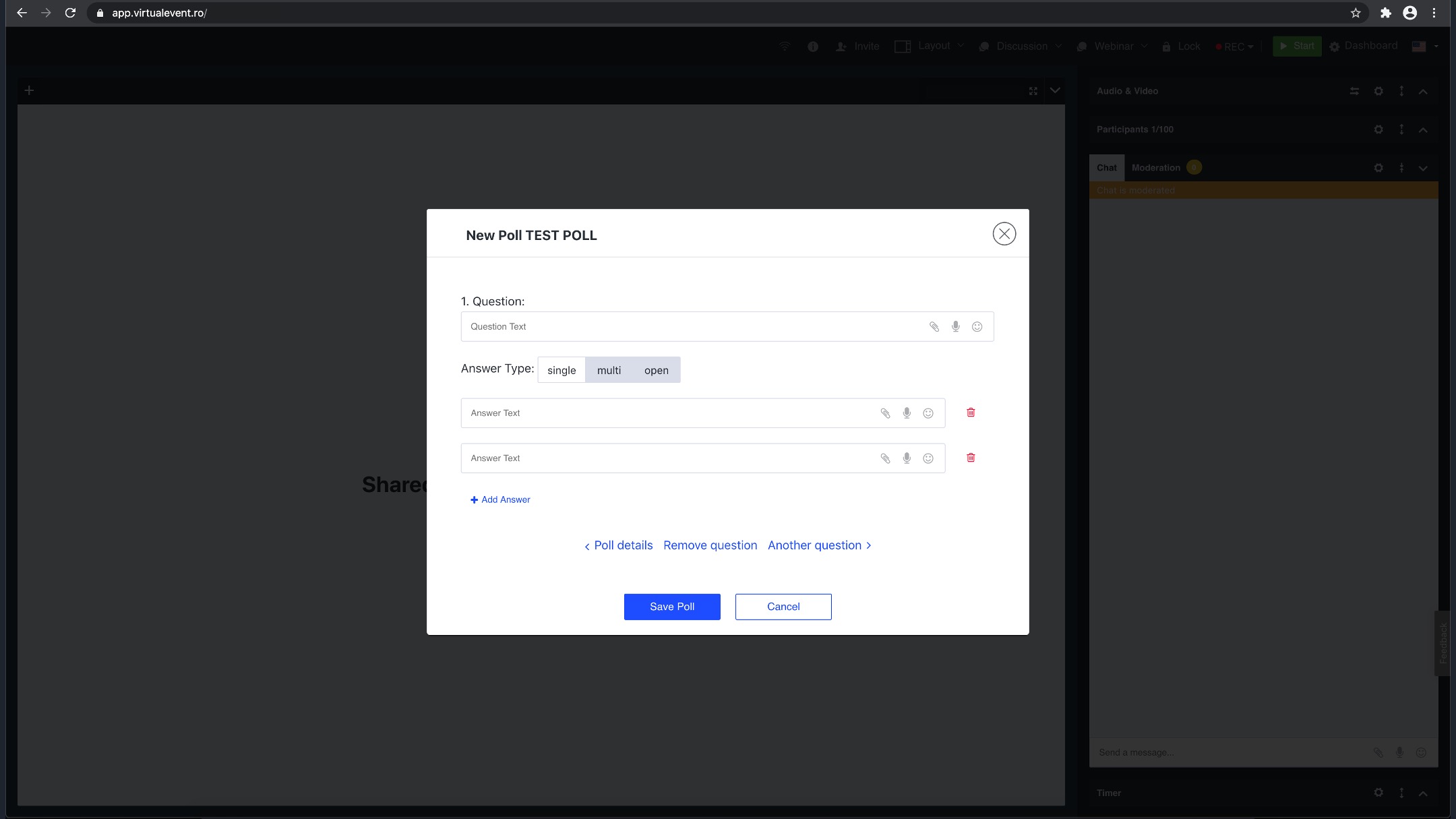
Collect information from your participants, research their reactions and analyze their feedback and insights to make better business decisions. With Tests & Surveys your event will become unique and engaging.
Prepare your
own survey before the session and ask the participants questions. You may create single or multiple choice surveys.
Set the duration of your survey in the Dashboard. You can include attachments and voice messages in the
questions and answers of your survey.
Survey tool is easy to learn & use. Get easy access to all of the gathered data and see the answers while your survey is still in progress. Afterwards you may share the results with
your audience.
After finishing your survey, click the details button and see the results in a clear and readable chart. You will see which participant clicked a specific answer. Every choice is represented by a different
color, to give you a full insight into the collected data.
You may run every test or survey in a "mini poll" form, which enables you to share many things at the same time in the Content Window. You may create polls before
your online event or even when it has already started.
Click on the images below to see examples.