More Features

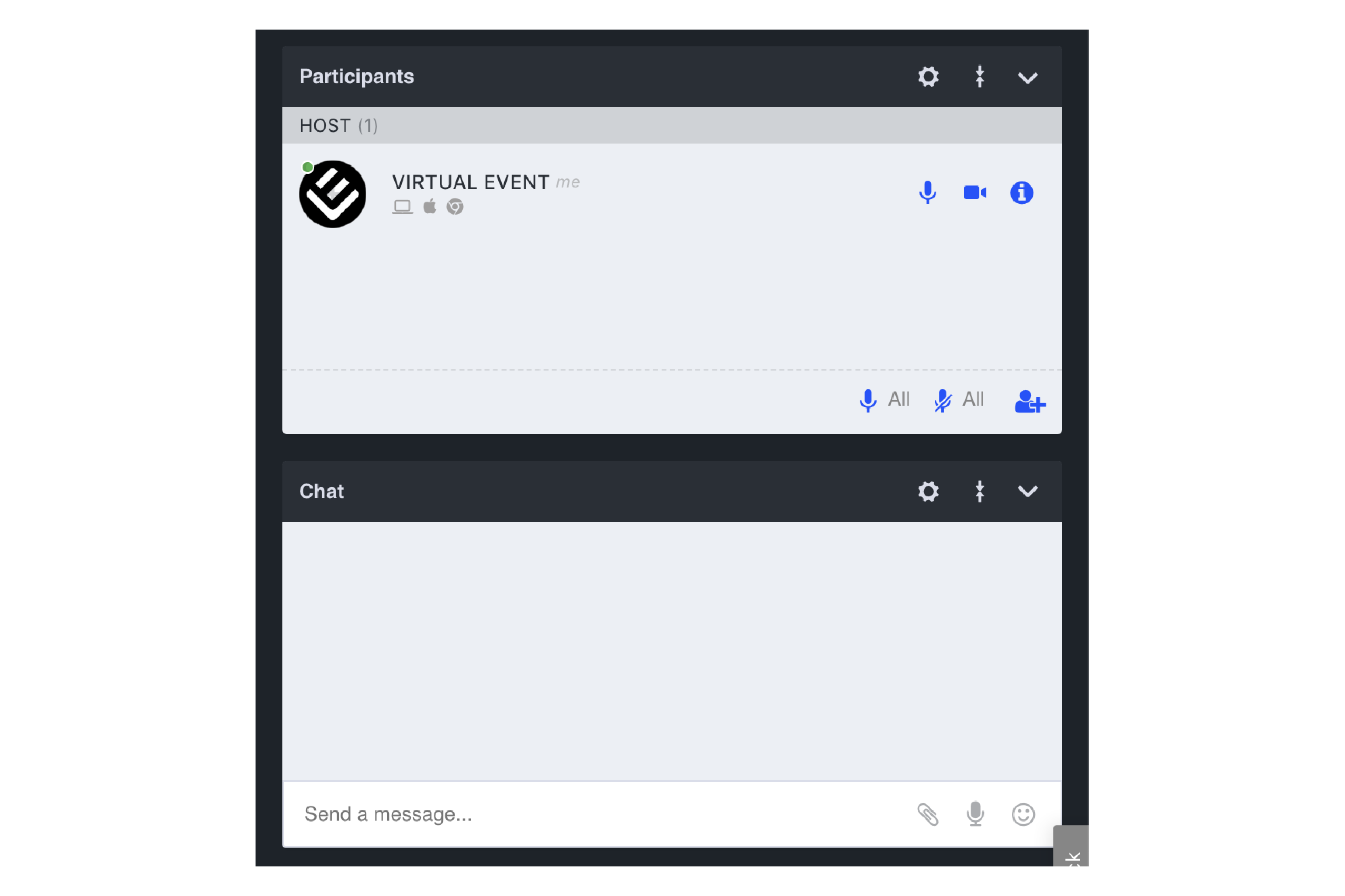


You can switch between interface templates dependin on you needs or preferences. All features are the same.
Before inviting your attendees and starting a live session it is important to know what type of room set- up is right
for you.
You may be presenting an idea to a large amount of people or simply having an open discussion with a group of colleagues- each situation presents its own benefits and challenges and you should be fully informed before
starting out.
Meetings and webinars can be compared to lessons and lectures- both have a very different feeling and style. A meeting is where everyone within the group is able to talk and discuss - a webinar allows only
the host to talk. So much like a lesson a meeting is interactive, dynamic and more of an open discussion where anyone can speak at any time. A webinar allows the host to present much like in a lecture with the audience remaining
silent until prompted.
Don’t worry - if your session needs to start in the style of a webinar for you to first present the information you can then switch to meeting mode within the room to open up a discussion.
Although
your audience is set to silent you can always ‘pass the mic’ to an attendee to speak or make use of the live-chat option to address questions or save them for later.
So remember to breathe, be prepared and take your time
☺. Know that we are with you all the way whilst providing powerful tools to ensure your next collaboration puts you in the driving seat and leaves the audience amazed.
Click on the images below to see examples.

